
TestFlight 0.1.0 (43) · private beta · iOS / iPadOS 26+
Tellwick for iPhone and iPad
Your conversations, recordings and next steps, together.
Link WhatsApp using your phone number and the code confirmed in WhatsApp. Tellwick prepares its Hostwatch connection automatically: no AI server address or API key to enter.
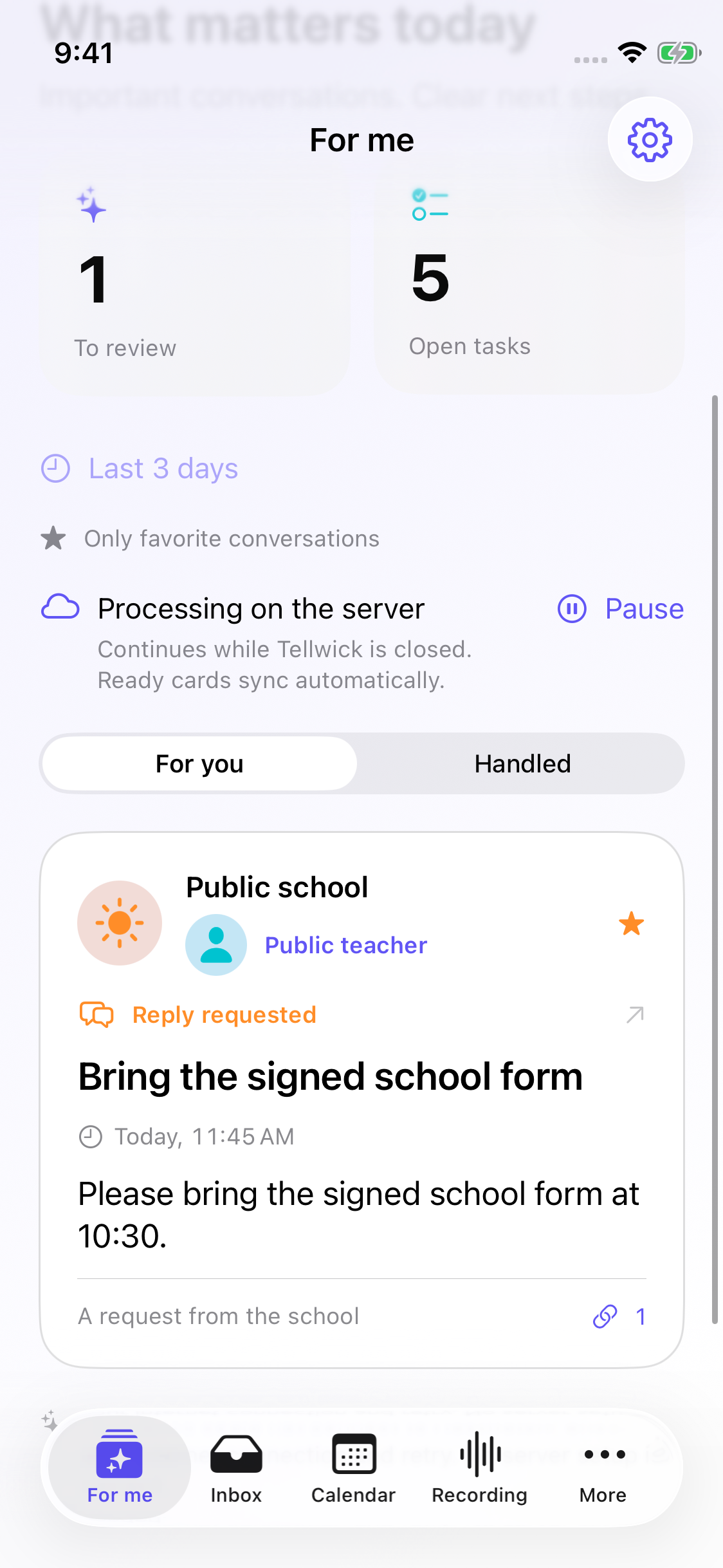
For me · last 3 days by default
Selected favorite chats supply personal cards; names and interests guide relevance. Review, related-message aggregation and summaries use the last 3 days (72 hours), not the whole chat history. Personal preferences lets you select 1–365 days. The counter uses that period; older messages, notes and tasks stay saved.
Translation while Tellwick is closed
Enable automatic translation for the conversations you choose. The WhatsApp Go service processes them on our Hostwatch/Hetero capacity and stores ready results. Check translation requests a fresh neural review against the original and previous translation.
Messages, pictures and replies
Conversation and sender photos use a protected cache. Open images, play voice messages and recognize image text on tap. Reply, Suggest reply and Translate reply create editable drafts. Sending requires confirmation of the recipient and exact text.
A calendar for each orientation
In portrait, days show task markers and open the day’s agenda. In landscape, move task blocks on the week timeline. Scheduling preserves deadlines; tasks and changes survive relaunch. Review proposed task steps before saving.
Recording studio
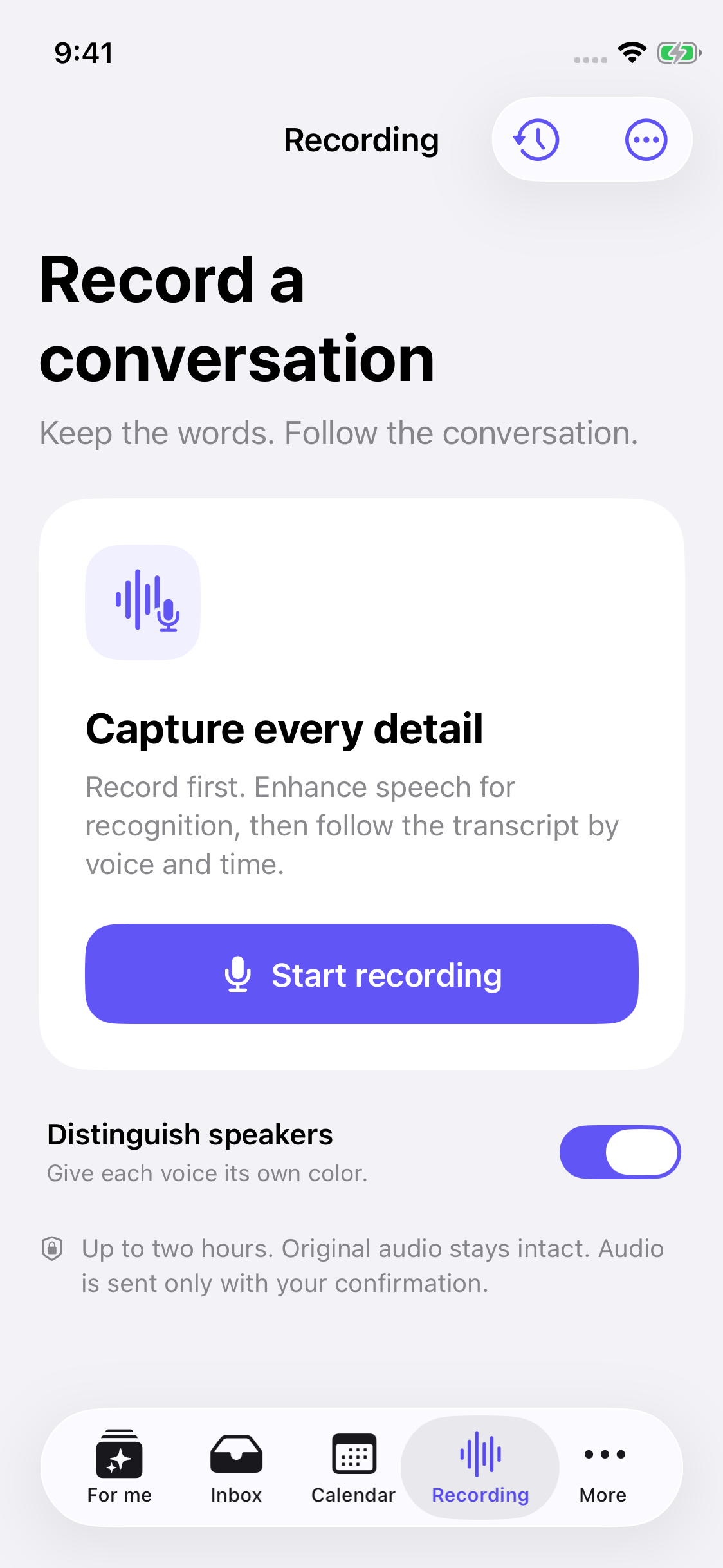
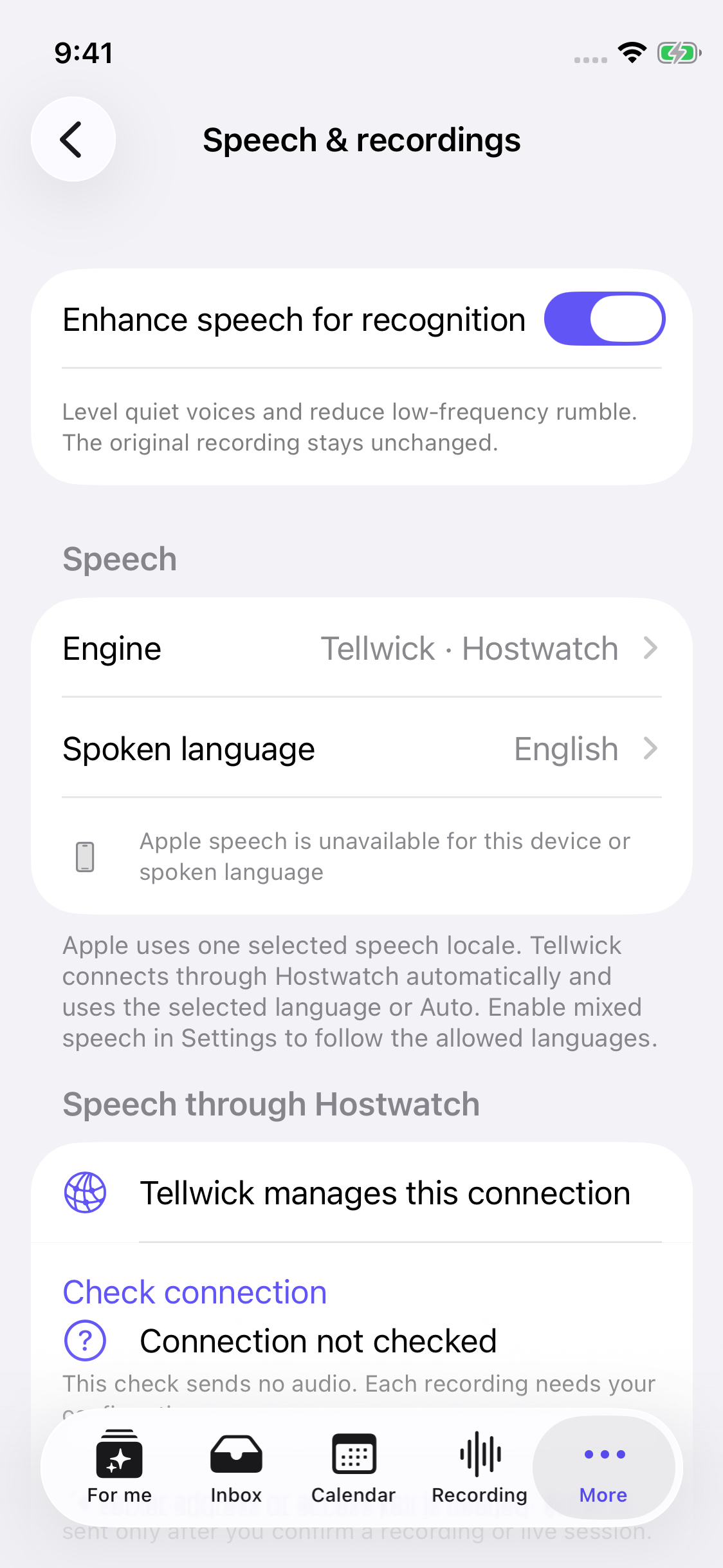
Start one microphone recording on iPhone/iPad, up to two hours. Finish before requesting recognition. Optional level adjustment and a high-pass filter prepare a copy for recognition. The original timing and audio remain intact. Mixed-language recognition retains the language reported for each original fragment. Speaker colors and locally saved voice profiles help navigate the conversation. Prepare an overview, decisions and suggested next steps. Every item cites original words and links to the recording moment; review before saving.
Hetero or premium GPT Luna
Hetero uses our compute through Hostwatch. Optional GPT Luna sends selected WhatsApp text to OpenAI with separate consent and subscription access. Availability and localized price are shown in the app’s Apple purchase screen; it does not replace the speech engine.
Mobile Hetero models run on our connected compute, not inside the iPhone download. Remote processing requires internet, permitted data categories and available capacity; audio needs recording-specific confirmation. Apple features depend on device and language support. Teams, Outlook and native Web Sync remain deferred.
Actual iPhone simulator screens · recording/speech: build 43, favorite feed: build 42 · public sample data
Tellwick Notes / Recording studio
Private TestFlight betaKeep the conversation. Find the moment.
A recorder built around the original audio: clearer speech for recognition, timed transcripts, distinct voices and meeting notes you can check against what was said.
iPhone / iPad · iOS 26+ · Mac workspace: Apple Silicon, macOS 27
Record first
One recording action, up to two hours on iPhone/iPad. Transcribe after stopping; retained audio can be processed again. Live translation is no longer the main recording workflow.
Prepare speech carefully
Optional level adjustment raises quiet speech and a high-pass filter reduces low-frequency rumble before recognition. The original recording and its timing stay intact. This is signal preparation, not a promise to remove every noise.
Follow each voice
Speaker colors belong to measured audio and original transcript fragments. Save voice profiles locally and confirm suggested matches; an uncertain voice remains unassigned.
Recover completed work
Long recordings use bounded, overlapping recognition windows. A protected checkpoint retains completed windows if processing fails. Network and available Hostwatch/Hetero compute are required for remote recognition.
Notes with evidence
Prepare an overview, decisions and suggested next steps. Each item includes a verbatim source quotation and a link to the recording moment. Save a reviewed note or share the transcript and SRT text. Tasks are never created or sent automatically.
Your work stays connected
WhatsApp, notes, tasks and calendar remain in the workspace. Personal cards use selected favorite chats and the last 3 days by default. Source links remain available for checking an AI result.
Recognition, speaker matching and summaries can be wrong. Overlapping speech, distance and noise still matter. Original audio is retained only under your storage choice; processing a recording requires confirmation. Teams and Outlook remain deferred in the native beta.
The site and Tellwick AI/WhatsApp services run on our Helsinki Hetzner server. Recognition and text models use our connected Hostwatch/Hetero compute. The iPhone download contains no model weights or server-key setup.
tellwick for macOS
Every available installer stays visible, so you can choose another platform or architecture.
Checking published builds…
tellwick for Windows
Every available installer stays visible, so you can choose another platform or architecture.
Checking published builds…
Need another system?
Tell us your device model and operating system version. We will let you know whether a compatible build is planned.
Contact us →Before installation
Why might there be no download button?
The button appears only after a file is published to official tellwick storage. If it is missing, a compatible build has not been released.
Why might Windows show a warning?
Early beta builds may not yet have a commercial signing certificate. Make sure the file comes from tellwick.com and do not bypass the warning if the source is different.
Do I need a web account?
No. Local use works without an account. Sign-in is needed only for the optional web workspace and sync.
Is an internet connection required?
Local notes, tasks and calendars work without remote inference. WhatsApp and mobile Hetero need internet; Tellwick connects to our Hostwatch automatically. Mac includes bundled Hetero models, while supported Apple features manage their own system assets.
Where is my speech processed?
On Mac, bundled Hetero can run locally. On iPhone/iPad, use supported Apple features or our Hostwatch/Hetero compute after confirming the recording. Mobile model weights are on our compute, not in the app download. WhatsApp session/history storage is separate from local recordings.
Which channels are supported?
Swift currently focuses on WhatsApp through your configured service. Teams and Outlook are in development and deferred in Swift. Electron has a broader experimental channel set.
Already have a beta build?
In Electron, link optional web sync using the code in Settings. Swift has no Web Sync yet; no web account is required. TestFlight availability is shown only after Apple processing and tester access are ready.